
LinkedIn does have a messaging API, but it is restricted to approved partners and its own rules forbid automated or scheduled sends. Without partner status there is no open LinkedIn messaging API at all, because the only permissions any developer can switch on cover signing in and posting.
Reach is a LinkedIn tool that runs in your own browser, inside the LinkedIn session you are already logged into, and it does not send a message it drafted until a person has approved those exact words. It does not use LinkedIn's messaging API, and we say more about what that means below.
The question got a fresh look on 23 September 2026, when DesignRush published a piece on what LinkedIn AI agents actually run on. It was prompted by a browser agent that, according to DesignRush, TechCrunch reported in August could navigate LinkedIn without an official API. The article's point is simple. The official route is narrow, so most agents that message people on LinkedIn are using something else.
Does LinkedIn have a messaging API?
Yes, but almost nobody can use it. LinkedIn's own documentation for the Messages API opens with a note: "Usage of this API is restricted to approved partners, subject to limitations via API agreement."
What it does is also narrow. According to the same page, it lets members "create messages to one or more first-degree connections or reply to existing conversations." So even for an approved partner, it is a tool for messaging people you are already connected to. It is not a way to reach strangers.
What does the LinkedIn messaging API allow, and what does it forbid?
It allows a message that a member chose to send, at the moment they chose to send it. The requirements section is short and worth reading in full. The key lines, quoted from LinkedIn's page:
- "A message must be associated with a specific member action. Member actions do not include an automated or scheduled event."
- "Members must opt in to sending a message, as opposed to opting out of sending a message."
- If an app offers a pre-prepared message, "the member must be able to edit the content" and "must take an affirmative action to send the message after you present the member with the draft."
- "A message must be posted at, or around the time the member took action to send the message."
The page also bans incentives for sending or receiving messages, and HTML in the message body. Read together, the rules describe one thing. Software may help write the message, but a person sees the words first and decides to send them.
Which LinkedIn APIs can any developer use?
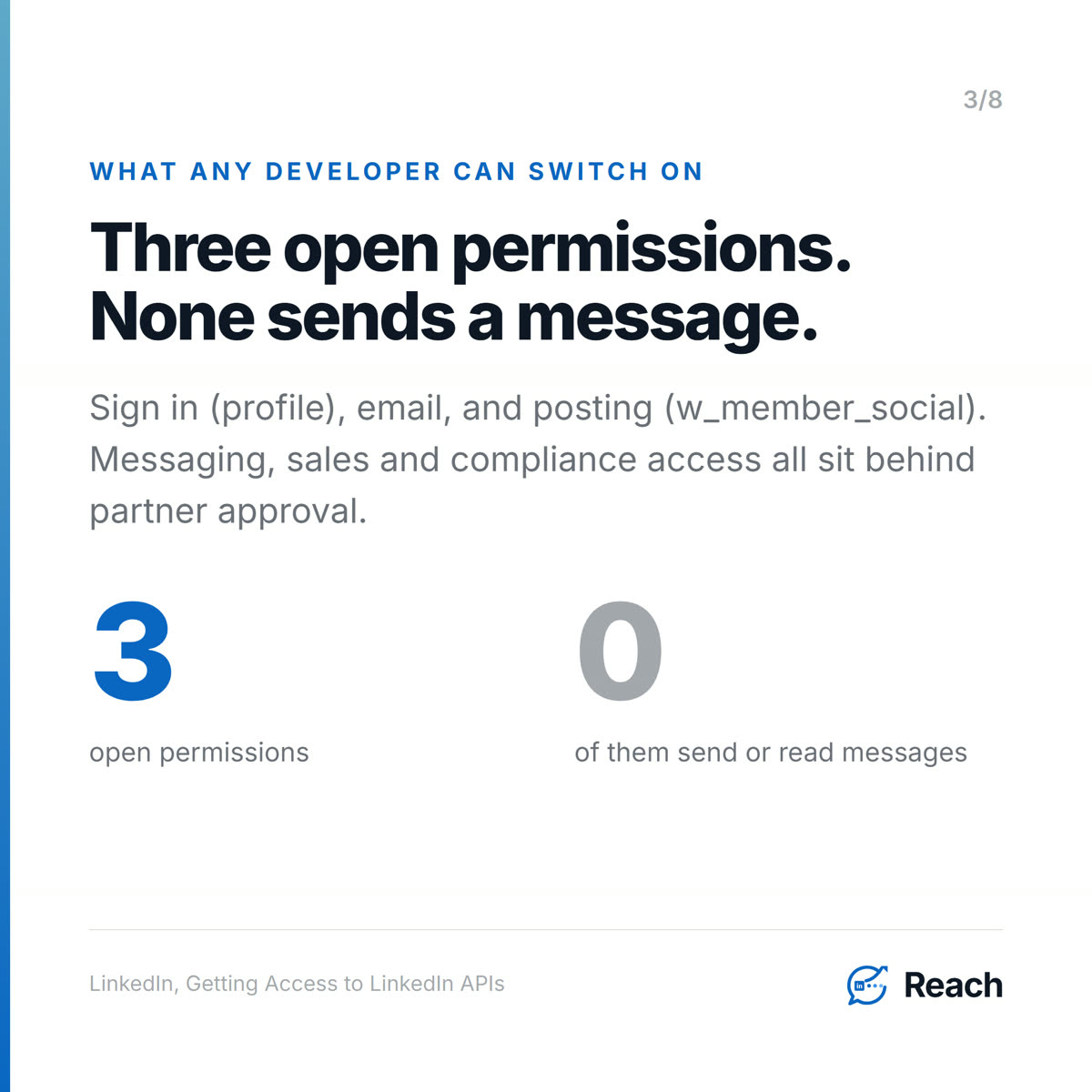
Only three permissions, and none of them sends a message. LinkedIn's Getting Access page says "Open Permissions are the only permissions that are available to all developers without special approval." They are:
profile- the signed-in member's name, headline and photo.email- their primary email address.w_member_social- "Post, comment and like posts on behalf of an authenticated member."
Everything else sits behind a partner program. The sales permissions need approval as a Sales Navigator Application Platform partner, and what that page lists for them is analytics, display, CRM data validation and matched public profiles. The compliance permissions, which can read messaging activity, are listed "for reference purposes only. Access is closed and may not be requested."
So if you are building an AI SDR, a campaign tool or an agent and you want it to send LinkedIn messages through an official, open API, that API does not exist.
So how do AI agents send LinkedIn messages without the API?
They act through a real member's account in some other way. DesignRush looks at browser agents that read the page like a person would, and at account-based APIs run by third parties. Extensions that work inside your own logged-in browser are the other common route. The article offers four questions for judging any of them: whose account is it, where do the limits live, what happens on refusal, and what does the log show.
LinkedIn's position on all of these is on its help page for prohibited software and extensions: "We don't permit the use of any third party software, including 'crawlers', bots, browser plug-ins, or browser extensions that scrape, modify the appearance of, or automate activity on LinkedIn's website." It adds that members who use such tools "risk having their accounts restricted or shut down."
That line covers Reach too. Reach is a Chrome extension working in your own session, and it is not an approved Messages API partner. No tool that sends on your behalf has LinkedIn's blessing. What you can choose is how the tool behaves, and we went through that in detail in LinkedIn automation without getting banned.
What the LinkedIn messaging API rules get right about automation
They describe a human in the loop, and that is a good standard for any tool, official or not. The draft is editable and the person has to act to send it. Reach builds its approval step on the same idea, and on our own account these rules were running when we checked on 28 September 2026:
- The agent drafts, a person approves. Human approval is the default for personal nurture messages. Nothing drafted for one person goes out until someone clicks Approve.
- The approval is bound to the words. If the text changed between what the approver saw and what would be sent, the approval is refused and has to be done again. Reach's rule for this is called "Words changed since shown."
- A resume unlocks only what was approved. If a paused send is resumed by a person, it can only release the exact row that was approved, not anything else in the queue.
- A rejected draft never goes anywhere. It is kept with the reason, as feedback for the next draft.
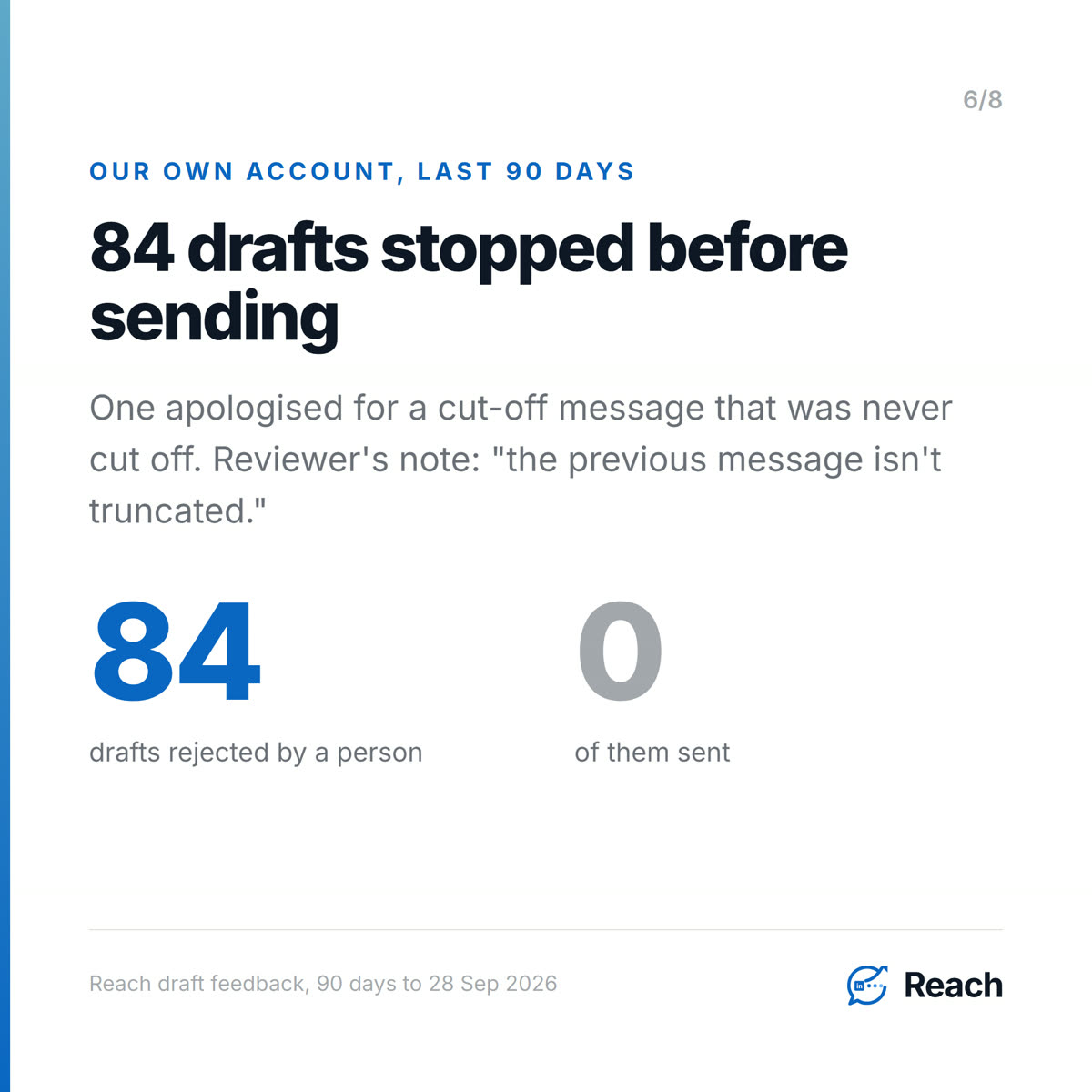
That last one is where the value is. In the 90 days to 28 September 2026, people on our account rejected 84 drafts before any of them was sent. One draft apologised for a "cut-off message the other day" that had never been cut off. The reviewer's note just says "the previous message isn't truncated." Sent to someone you know, that apology would have been a small lie with your name on it.
Being straight about the difference: LinkedIn's API rule says a message goes out "at, or around the time" the member acted. Reach queues approved messages and paces them, so an approved message can go out later than the click. The approval still binds to the exact words, but the timing rule is stricter than ours. You can see how Reach handles approvals, and the wider argument for keeping a person on the send button is in AI sales agent with a human in the loop.
Why the approval step matters most in your own network
Because that is where LinkedIn messaging actually happens, and where a bad message costs the most. The official Messages API only reaches first-degree connections. The people you already know are the ones LinkedIn built messaging for.
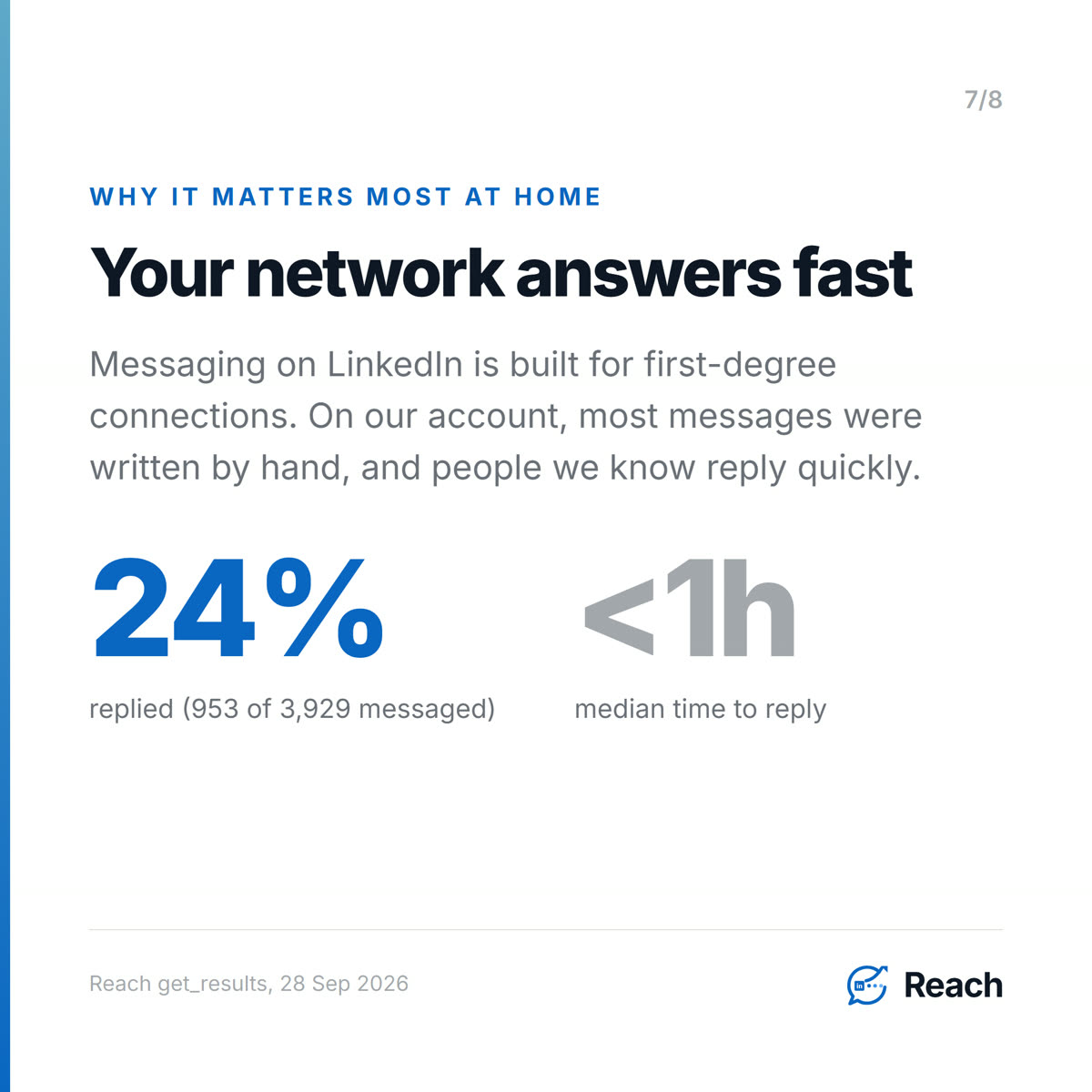
They are also the ones who answer. On our own account, 953 of the 3,929 people we have messaged at some point replied, which is 24%, with a median of under an hour to the reply. Most of those messages were written by hand: Reach sent 184 of 18,880 outbound messages in that history. A warm network replies fast, and it remembers a wrong message just as fast. There is more on that in warm outreach vs cold outreach.
Common questions
Is there a free LinkedIn API for sending messages?
No. The Messages API is restricted to approved partners, and the only open permissions cover sign-in, email and posting. None of them sends or reads messages.
Can the LinkedIn messaging API send automated or scheduled messages?
No. LinkedIn's documentation says "Member actions do not include an automated or scheduled event," and the member must take an affirmative action to send each message.
Does Reach use the LinkedIn messaging API?
No. Reach runs as an extension in your own logged-in browser session, and its server never calls LinkedIn. It is not an approved Messages API partner.
Is using a LinkedIn automation tool against LinkedIn's rules?
LinkedIn's help centre says it does not permit browser extensions or bots that automate activity, and accounts that use them can be restricted. Tools differ a lot in how they behave, so check where the limits live and whether a person approves each message.
Can ChatGPT or Claude send LinkedIn messages for me?
Not through an open LinkedIn API, because there isn't one. They need a tool in between that works in your account. With Reach, an agent in Claude or ChatGPT can draft messages through scoped tools, and a person still approves the words. See AI agent for LinkedIn.
Sources
Trend (opened and read, 2026-09-28)
- DesignRush, Ryan de Smidt (Senior Editor), "What LinkedIn AI Agents Actually Run On", 23 September 2026. https://news.designrush.com/linkedin-ai-agents-official-api-mcp Opened via fetch on 2026-09-28 (the site returns 403 to plain curl, but the page loads). Used for: the date and framing (a browser agent, reported by TechCrunch in August per DesignRush, can navigate LinkedIn without an official API); the two routes it examines (browser agents, account-based APIs run by third parties); its four evaluation questions (whose account is it, where do the limits live, what happens on refusal, what does the log show). The TechCrunch piece itself was NOT opened, so it is only ever attributed "according to DesignRush". The third-party API vendor the article quotes is not named in the blog (no competitor recommended).
Primary sources (opened and quoted verbatim, 2026-09-28)
- LinkedIn, Messages API (Microsoft Learn): https://learn.microsoft.com/en-us/linkedin/shared/integrations/communications/messages
- "Usage of this API is restricted to approved partners, subject to limitations via API agreement."
- "create messages to one or more first-degree connections or reply to existing conversations"
- "A message must be associated with a specific member action. Member actions do not include an automated or scheduled event."
- "Members must opt in to sending a message, as opposed to opting out of sending a message."
- "the member must be able to edit the content ... and the member must take an affirmative action to send the message after you present the member with the draft"
- "A message must be posted at, or around the time the member took action to send the message."
- Also: no incentives to sender or recipients, no HTML.
- LinkedIn, Getting Access to LinkedIn APIs (updated 2026-06-03): https://learn.microsoft.com/en-us/linkedin/shared/authentication/getting-access
- "Open Permissions are the only permissions that are available to all developers without special approval."
- Open permissions: profile, email, w_member_social ("Post, comment and like posts on behalf of an authenticated member.")
- Sales permissions require SNAP partner approval: r_sales_nav_analytics, r_sales_nav_display, r_sales_nav_validation, r_sales_nav_profiles.
- Compliance: "listed for reference purposes only. Access is closed and may not be requested."
- LinkedIn Help, Prohibited software and extensions: https://www.linkedin.com/help/linkedin/answer/a1341387
- "We don't permit the use of any third party software, including 'crawlers', bots, browser plug-ins, or browser extensions that scrape, modify the appearance of, or automate activity on LinkedIn's website."
- members using such tools "risk having their accounts restricted or shut down."
First-party (Reach MCP, run 2026-09-28)
get_draft_feedback(sinceDays 90): 84 feedback rows, all decision "rejected". One rejected draft opened "Apologies for the cut-off message the other day. My system seems to have glitched."; decisionReason "the previous message isn't truncated". Recipient not named anywhere.get_results: overall contacted 3,929, replied 953, replyRate 0.243, medianHoursToReply 0.9. Caveat verbatim: "Reach sent 184 of 18880 outbound messages in this history — the rest were sent by hand on LinkedIn." Exclusion keyword (addcomposites) already applied.get_gates: running on this account - "approval-draft-changed" (Words changed since shown - stops "Approving text different from what the approver actually saw"), "lease-human-resume-snapshot" (Resume must match approval - stops "A human resume unlocking anything but the exact approved row").
Feature (shipped)
docs/STATE-OF-THE-SYSTEM.md: "Outbound autonomy is policy-controlled and human approval remains the default for nurture/content work"; safety invariant 8 "Approval receipts bind to the exact approved content"; invariant 1 "Server code never calls LinkedIn".
Internal links (all returned 200 on 2026-09-28)
- https://reach.linkenite.com
- https://linkenite.com/blogs/2026-09-07-linkedin-automation-without-getting-banned
- https://linkenite.com/blogs/2026-09-15-ai-sales-agent-human-in-the-loop
- https://linkenite.com/blogs/2026-09-17-ai-agent-for-linkedin
- https://linkenite.com/blogs/2026-09-23-warm-outreach-vs-cold-outreach


.png)
.png)
.png)
.png)
.png)
.png)
.png)
.png)
.png)
.png)
.png)
.png)

.png)
.png)
.png)
.png)


.png)
.png)

.png)


.jpg)

.jpg)
.jpg)


.png)


.png)

.png)
.png)
.png)


.png)
%20(2).png)
.png)
.png)




.png)

.png)


.png)


.png)


.png)


%20BLOG%20BANNER.png)


.png)